
뒤로
How to enter a promotion code
Last updated :
Here is how to enter a discount promotion code.
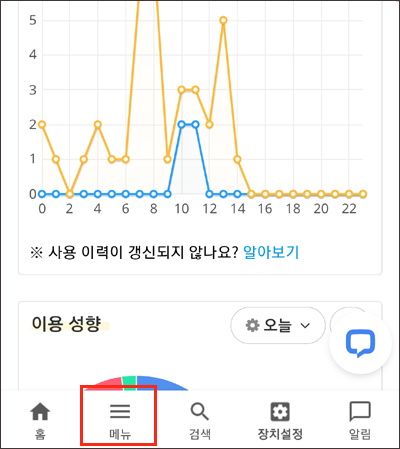
1. Log in to the Mobile Fence app → Menu → Payment History
2. Select "Extend Period" or "Upgrade" to proceed to the payment page.

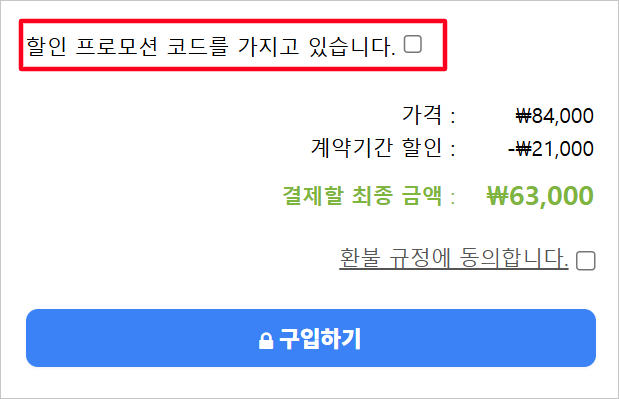
3. At the bottom of the page, check "I have a discount promotion code" → Enter the code → Click Apply.

4. Complete
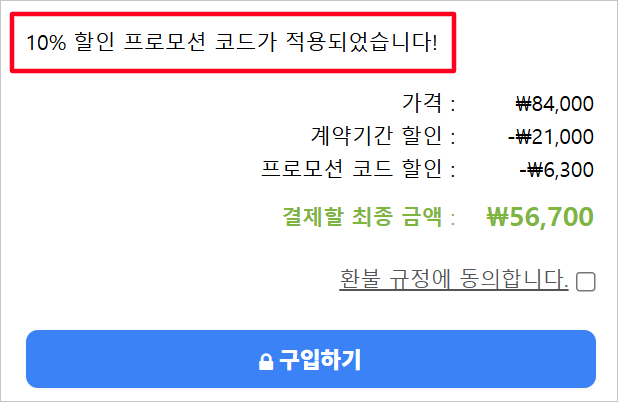
- Discount codes can only be used when selecting a 1-year contract period and paying via bank transfer.
- Codes are case-sensitive. Please be careful not to confuse [English I and number 1] or [English O and number 0].