
뒤로
Block Instagram Reels videos
Last updated :
Like YouTube Shorts, Instagram Reels can lead to addiction as they allow for the consumption of large amounts of content in a short period. Due to the nature of these videos, which must grab the viewer's attention quickly, they often contain provocative or violent content that can have an inappropriate influence on children.

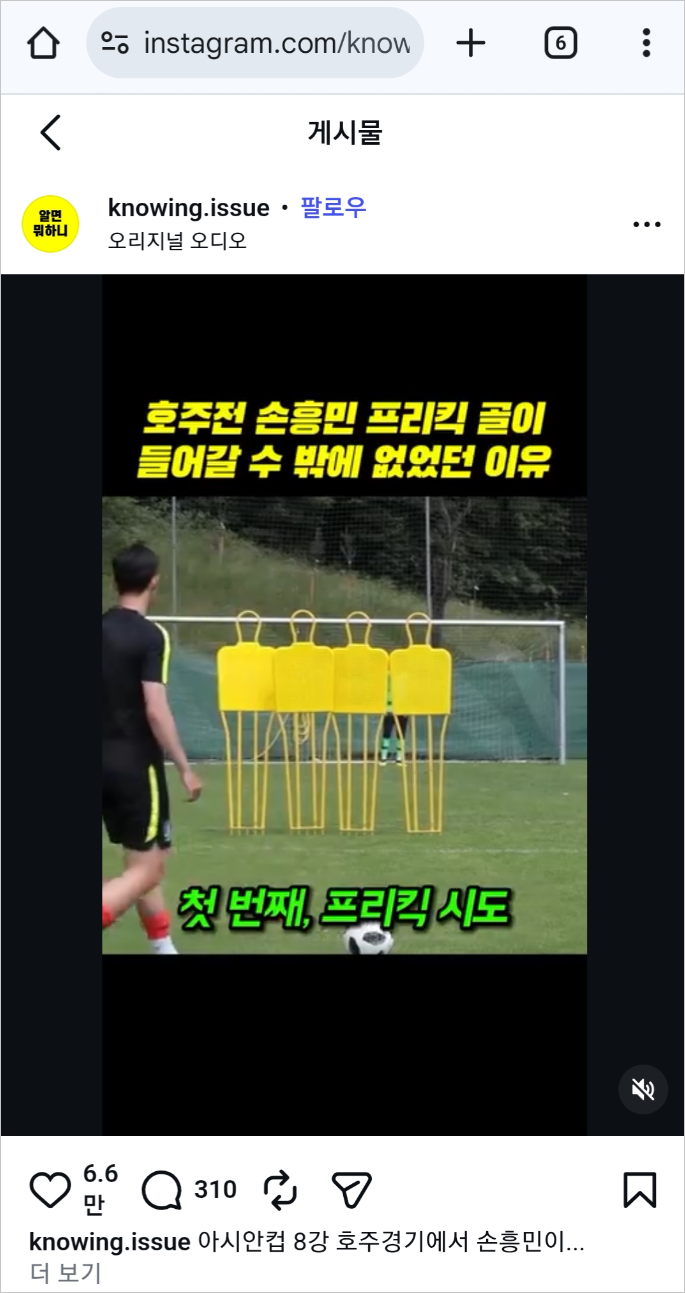
To block access to the Reels page, you should delete the Instagram app and have the user access it via the web instead.
The configuration steps are as follows:
1. Child's Rules Settings → Apps tab → Instagram → Block Execution (You must block this beforehand to ensure the app doesn't run even if the child reinstalls it, before proceeding to step 2.)
2. Delete the Instagram app from the child's device.
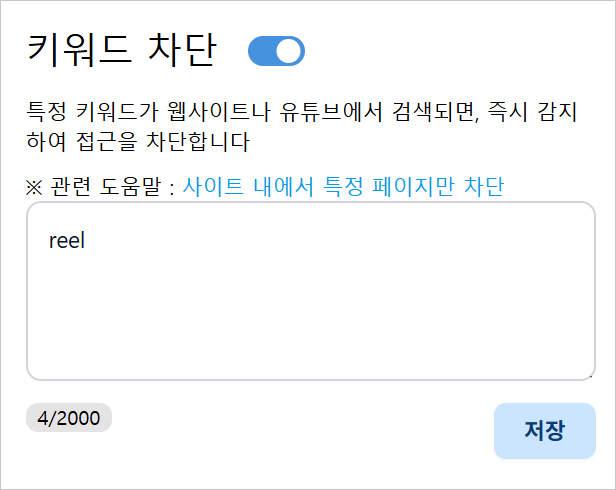
3. Child's Rules Settings → Web tab → Keyword Blocking → Register "reel" (Figure 3)
4. Direct the child to access instagram.com through the Chrome app.
2. Delete the Instagram app from the child's device.
3. Child's Rules Settings → Web tab → Keyword Blocking → Register "reel" (Figure 3)
4. Direct the child to access instagram.com through the Chrome app.
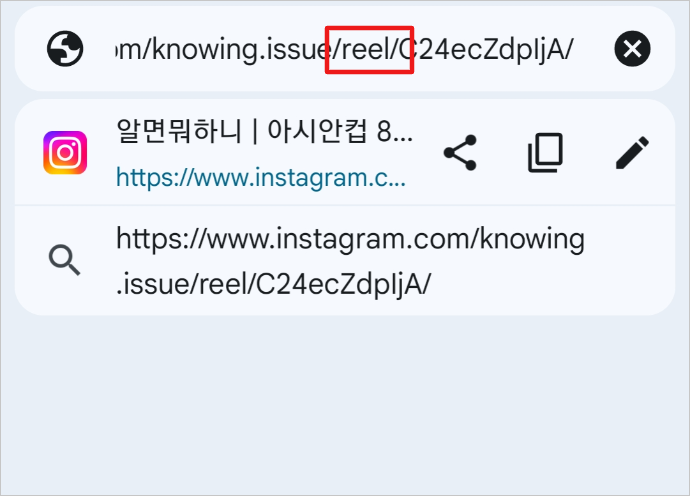
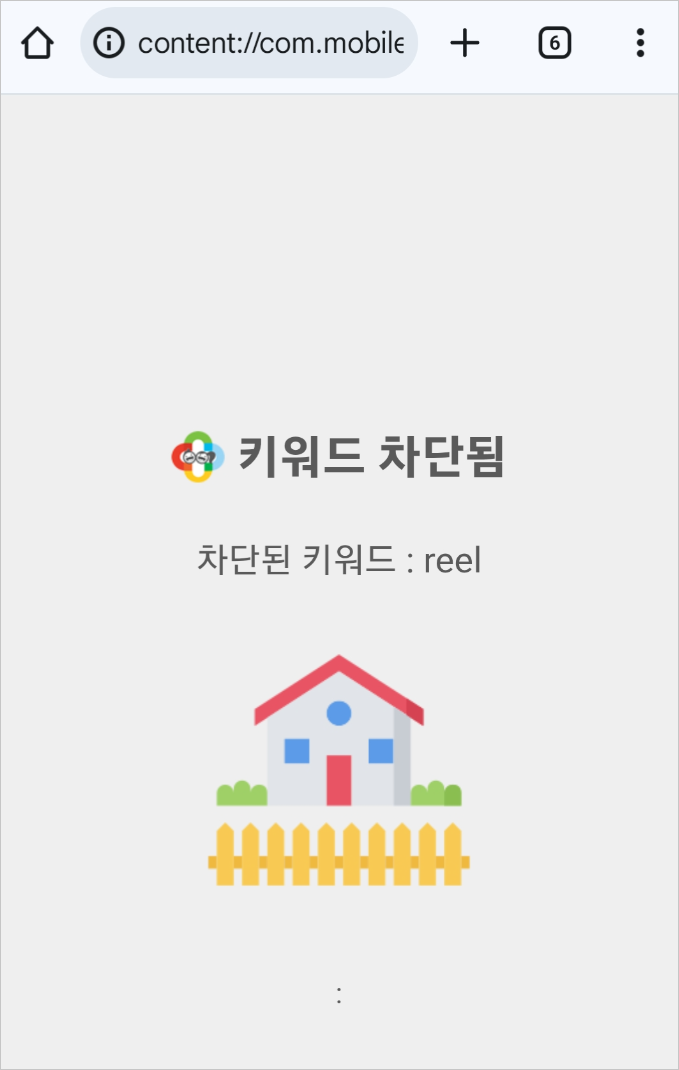
Even if the child reinstalls the Instagram app, its execution will be blocked. However, in this case, access to instagram.com will not function normally, so please advise your child not to reinstall the app.
► Related Items
- Turning off Instagram message reply function