
EC-1

Play sound feature  

Last updated :

"Play Sound" is a useful feature for locating devices, such as tablets without phone capabilities, when they are lost at home or misplaced.


This feature switches the volume to maximum and plays a ringtone even if the device is set to silent or vibrate mode. Please use it with caution, as accidentally sending this command while a child is in class could put them in a very awkward situation.


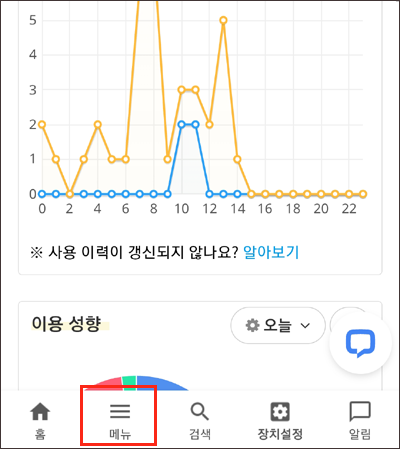
Menu → Smart Devices → Device Commands → Play Sound


Screen when playing sound on the device


• The sound plays for 2 minutes and turns off automatically.
• The device must be connected to mobile data or Wi-Fi to work.
• Supported from Mobile Fence v5.0.7 and later.


Contact Us

Before inquiring...Have you been looking for this answer?
โ€ข How to block child disable Mobile Fence app?
โ€ข I want to know how to uninstall MobileFence app.
โ€ข Does a parentsโ€™ device get blocked?
โ€ข How to see the contents of Text?

An error has occurred while registering your question.
Your question has been successfully registered.
We will get back to you within 24 hours on weekdays. Thank you!

By providing related screens, we can process your inquiry more precisely and quickly.

Contact Us

Before inquiring...Have you been looking for this answer?
โ€ข How to block child disable Mobile Fence app?
โ€ข I want to know how to uninstall MobileFence app.
โ€ข Does a parentsโ€™ device get blocked?
โ€ข How to see the contents of Text?

An error has occurred while registering your question.
Your question has been successfully registered.
We will get back to you within 24 hours on weekdays. Thank you!

By providing related screens, we can process your inquiry more precisely and quickly.