
뒤로
Music video blocked
Last updated :
The music video blocking feature instantly blocks the screen if it detects that you are watching a music video instead of listening to a song on the YouTube Music or Melon apps. This helps prevent children from being exposed to provocative music videos or age-inappropriate video content while listening to music. It is also effective in preventing excessive data usage and smartphone dependency caused by indiscriminate video watching.
Rule Settings → Lab → Block Music Videos → Turn On
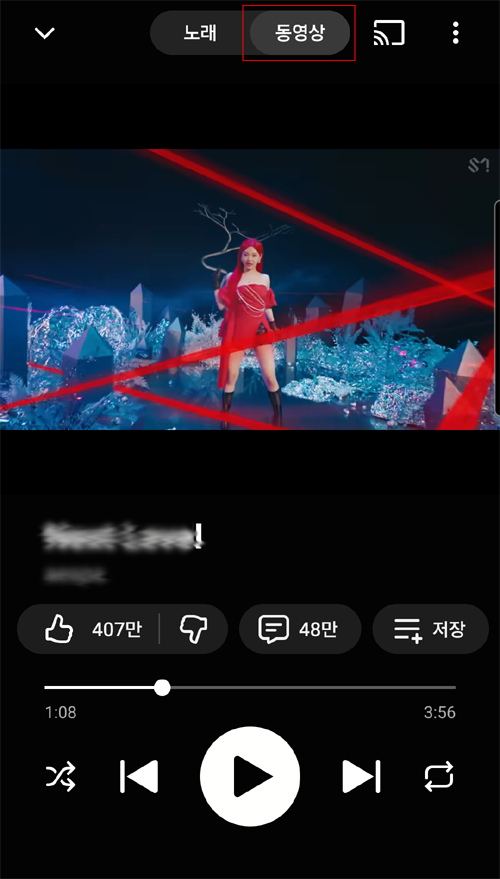
• The music video blocking feature in the Melon app only works properly when you are logged in to the Melon app and have an active music streaming subscription. If you do not have a subscription, the blocking may not function correctly due to different playback methods, such as 1-minute previews.
• Enabling this feature also blocks the in-app browser within the music app, preventing access to websites through the app.
• This feature is supported from v6.4.1 onwards. Please ensure that the Mobile Fence app on your child's device is up to date.
• Enabling this feature also blocks the in-app browser within the music app, preventing access to websites through the app.
• This feature is supported from v6.4.1 onwards. Please ensure that the Mobile Fence app on your child's device is up to date.